01
There is time data, but no picture
A timesheet shows attendance. It does not explain why the team keeps missing requests.
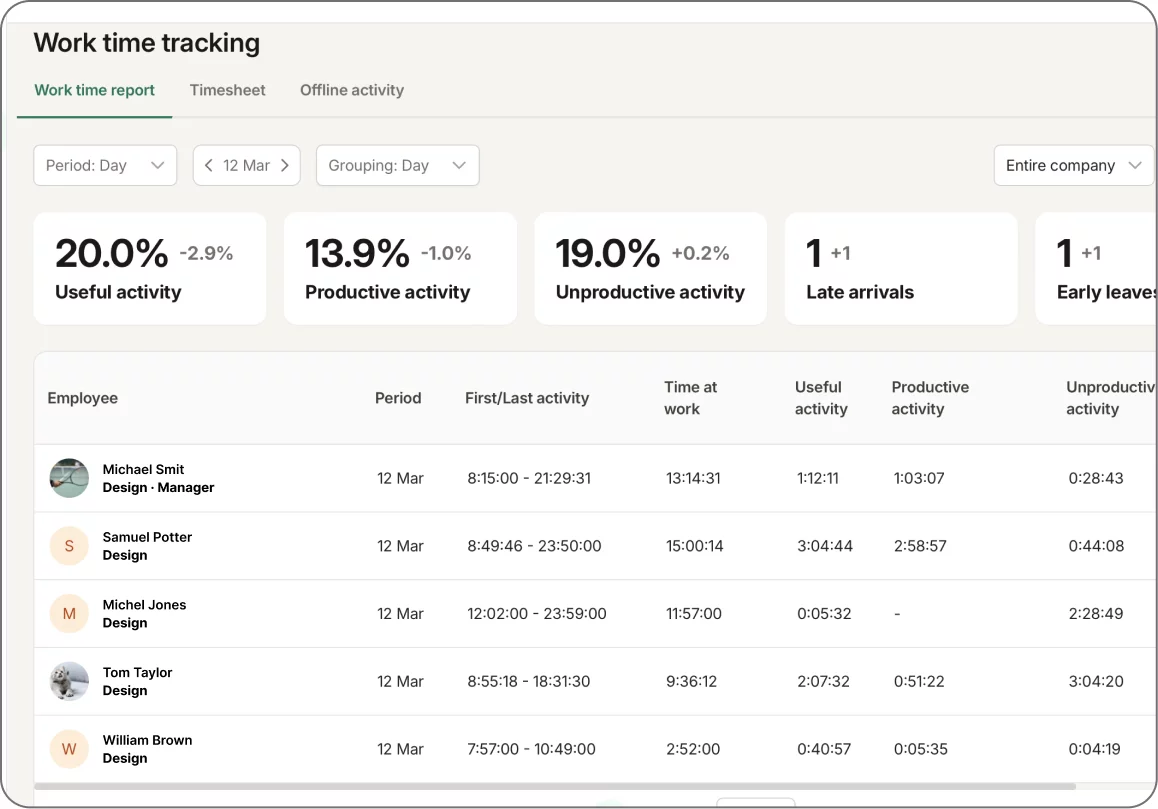
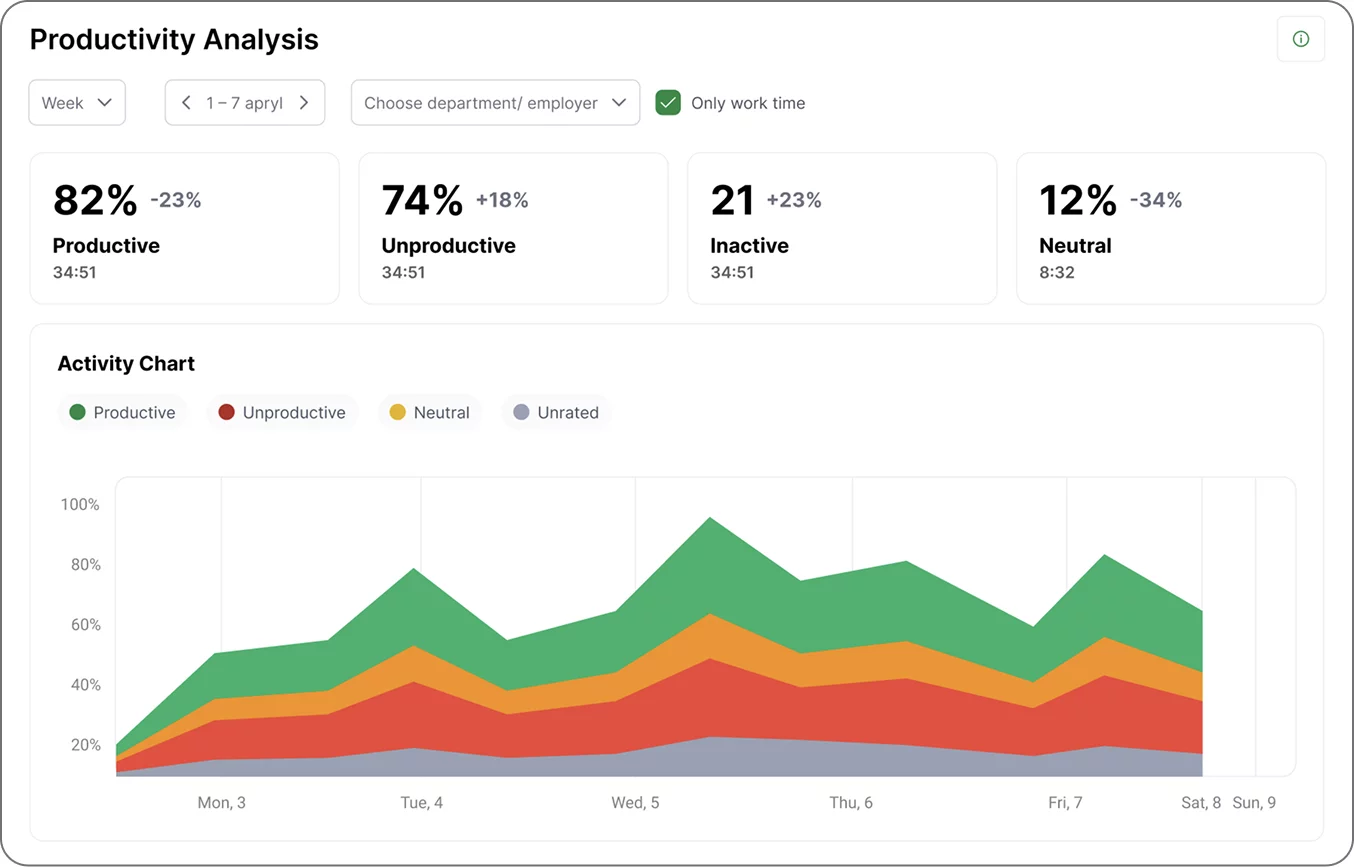
KeepActive shows where the day goes: who is actually working, where idle time builds up, which websites and apps drain hours, and where risk appears. Not by gut feeling — by reports, screenshots, and events.
5000+companies use KeepActiveaccording to the product website
80+countries coveredinternational teams and branches
5 minto install the componentsfast start without a long IT project
15–20%average productivity liftbenchmark from customer scenarios
Forbes Advisor
KeepActive, formerly Kickidler, is mentioned in Forbes Advisor’s employee monitoring software coverage.
Shortlist
G2
Rating on G2. Based on 152 public reviews.
4.6
Capterra
Rating on Capterra. Based on 137 public reviews.
4.8
KeepActive
Former Kickidler brand and current KeepActive product line.
2.0
Why it matters
A manager sees the result at the end of the month, but not where it leaked: waiting time, empty calls, unproductive websites, overloaded strong performers, or quiet imitation of work.
01
A timesheet shows attendance. It does not explain why the team keeps missing requests.
02
Without facts, a manager either reacts too late or turns into an irritating micromanager.
03
Workload gets distributed by habit, not by data. Overload and idle time become normal.
KeepActive is not about standing behind people’s backs. It is about opening one panel in the morning and understanding what is happening with work.
Control without theatre. Data without manual reports.The manager sees the whole team
who is online, who is idle, who works in the right tools, and where the imbalance starts.
Employees see their own numbers
self‑monitoring lowers tension because people understand what is counted as work.
HR and Security get facts
not chat screenshots or rumors, but reports, events, activity history, and access rules.
Inside KeepActive 2.0
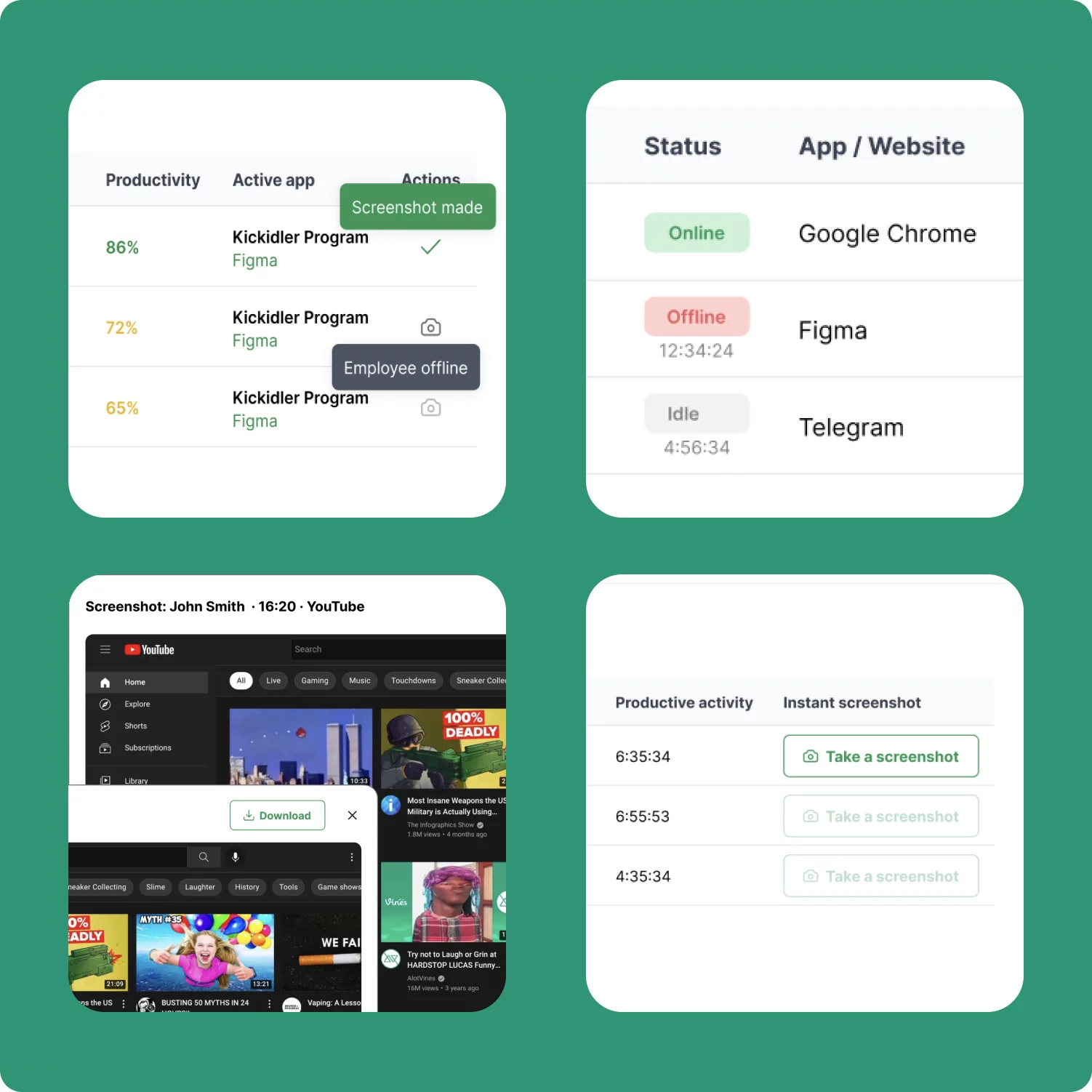
See time, productivity, websites, apps, screenshots, events, and access settings in one system. Switch a scenario and the screen changes with it.
Rollout
Implementation does not have to become a six‑month IT project. Start with one department, show managers a clear picture, and scale the rules.
Soft time tracking, full monitoring, remote employees, security risks, or project control.
Who sees what, which hours count as working hours, where screenshots are needed, and which events matter.
Reports, screenshots, websites, apps, late starts, idle time, and alerts are collected automatically.
Who uses it
Understand where the company loses money and why headcount grows faster than output.
See the team’s real workload without daily reports or awkward checks.
Notice suspicious actions, attempts to bypass rules, and possible data leakage risks.
Discuss discipline and performance with facts, not personal preference.
Control without backlash
Bad control feels like secret surveillance. Good control is a clear system: what is collected, during which hours, who sees the data, and why the business needs it.
Working hours only
screenshots and activity are filtered by schedule.
Roles and access
a team lead sees their department; an admin manages settings.
Self‑monitoring
employees see their own numbers and offline activity.
Events instead of noise
notifications help return attention to work without drama.
Cases from the product site
After implementation, the company found two employees creating fake tickets and redistributed the workload between support lines.
The manager saw how busy agents were, routed leads faster, and automatic notifications brought people back to work.
The company worked with reports, KPIs, and self‑monitoring. Managers compared KeepActive data with planned performance.
Four accounts, several servers, multiple locations, remote access through RDP/VPN, and access separation by department.
Why not a regular time tracker
| Scenario | Basic time tracking | KeepActive 2.0 |
|---|---|---|
| What the manager sees | Hours the employee entered or tracked with a timer. | Workday, activity, websites, apps, screenshots, events, and team dynamics. |
| Remote work | You have to trust reports and messenger statuses. | Online statuses, activity history, working‑hour filters, and employee self‑monitoring. |
| Risks and violations | Handled after the fact, if someone notices the issue. | Event rules, alerts, context recording, and fast drill‑down into details. |
| Company rollout | Often one access level and shared settings. | Org structure, roles, departments, schedules, inherited settings, cloud or On‑Premise. |
| Conversation with an employee | “I feel like you are not working enough.” | “Here is the day, here is idle time, here is overload, here are KPIs — let’s find the cause.” |
Pricing
Start with lightweight time tracking, move to full employee monitoring, or add AI-powered data loss protection for sensitive environments.
FAQ
Not a generic tour of buttons, but a scenario for your team: sales, support, office, remote work, security, or a mixed structure.


