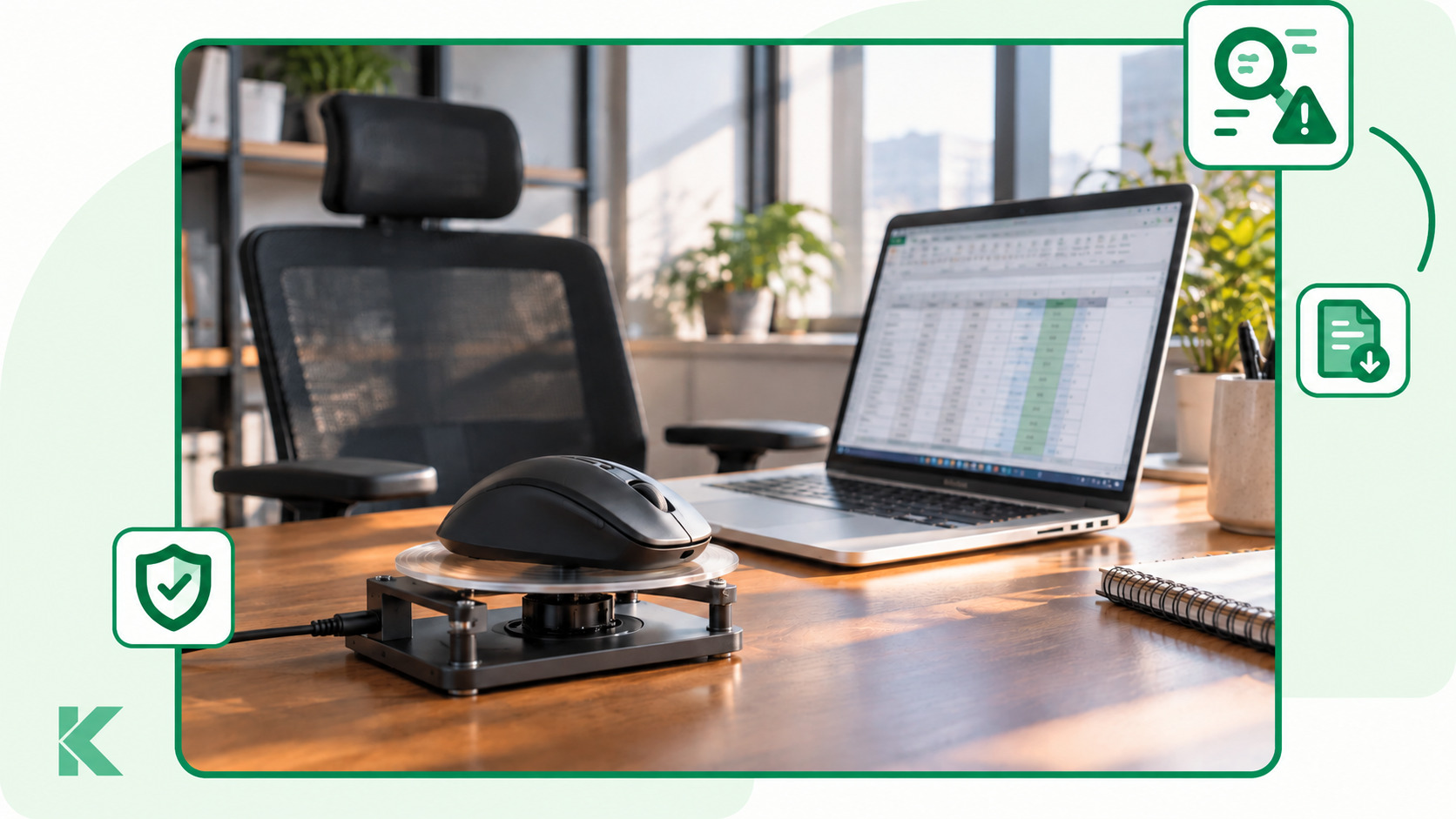
We’ve released an update to KeepActive TimeTracking 2.0, our time tracking software. The main addition is unusual activity detection: the system helps identify signs of artificially simulated computer activity, including activity associated with mouse jigglers. The update also introduces PDF report export, licenses without sensitive data collection, an on-premises version and a mechanism for migrating data from version 1.0.
A mouse jiggler is a device or application that automatically moves the cursor to make an employee appear present at their computer. This can distort time tracking statistics: managers see recorded activity and take it into account when assessing their team’s workload.
KeepActive 2.0 adds another tool for identifying these situations. Using mathematical analysis, the system detects signs of unnatural activity. One example is activity patterns associated with the use of a mouse jiggler.
You can now configure a dedicated event for this type of activity. When the system identifies the relevant signs, it records an event, helping managers find suspicious periods to review.
To set it up, open the events and notifications settings. Create an unusual activity event, assign it to the relevant employees or departments and, if needed, enable email notifications for managers. You can restrict detection to employees’ scheduled working hours.
A flagged period gives managers a specific situation to examine: they can compare the activity with assigned tasks and discuss it with the employee. An event indicates signs of an anomaly; its cause should be assessed in the context of the work being done.
The update also brings several improvements for everyday use:
- PDF report export. You can now save a report as a file, send it to colleagues, attach it to meeting materials or use it when discussing team performance. Recipients only need to open the PDF to view the report.
- On-premises deployment. KeepActive 2.0 can be deployed within your company’s infrastructure, with data from employees’ computers collected on your own server.
- Migration from version 1.0 to 2.0. A data migration mechanism helps existing customers move to the new version.
- Licenses without sensitive data collection. A dedicated licensing option is available for companies that need time tracking and analytics without collecting screenshots. It includes reporting and employee self-monitoring.
- Improved stability. We’ve fixed bugs and made improvements to support more stable day-to-day operation.
To start using the new feature, update KeepActive 2.0 and configure an unusual activity event. For setup details, see the KeepActive 2.0 user guide.
Explore our employee monitoring software to learn more about KeepActive.
