
A time clock app sounds like a simple thing.
Employees clock in. Employees clock out. Managers get timesheets. Payroll becomes cleaner. Everyone stops arguing about who started work when.
Nice idea.
But in real life, not every time clock app solves the same problem. Some are built for hourly teams and shift scheduling. Some are better for field workers. Some are made for agencies and project tracking. Some are closer to employee monitoring tools and help managers understand what actually happens during the workday.
So before choosing the “best time clock app,” it is worth asking a better question:
Best for what kind of team?
A restaurant, a construction crew, a remote support team, a software agency, and a hybrid back-office team do not need the same tool.
This guide compares popular time clock apps and shows where each one fits. Then we will look at KeepActive 2.0 as a bonus option for teams that need more than a basic clock-in / clock-out app.
Quick answer
A time clock app is software that lets employees record work hours, breaks, attendance, late arrivals, early departures, and sometimes project or task time.
For a very small team, a basic or free time clock app may be enough. For shift-based teams, scheduling and break tracking matter more. For remote or computer-based teams, a simple clock-in button is often too thin — managers also need activity context, productivity reports, and a clean view of how work time is actually used.
If your team works mostly on computers, a broader employee time tracking system may be more useful than a simple punch clock, because it shows not only when the workday started, but also how work time was spent.
Best time clock apps: quick comparison
| App | Best for | Strong side | Possible limitation |
| Clockify | Project-based teams, agencies, freelancers | Simple time tracking, timesheets, project hours | Less focused on shift operations |
| Homebase | Small hourly teams | Scheduling, time clock, payroll, HR basics | Better for local/hourly teams than desktop activity analysis |
| Deputy | Shift-based teams, retail, hospitality | Scheduling, breaks, attendance | Can be more workforce-management than productivity-focused |
| When I Work | Restaurants, retail, shift teams | Scheduling, attendance, team communication | Less suited for deep productivity analytics |
| QuickBooks Time | Teams using QuickBooks | Time tracking, schedules, payroll workflows | Best value inside the QuickBooks ecosystem |
| Jibble | Teams wanting a free time clock app | Free attendance tracking, kiosk options | May be lighter for deep productivity analysis |
| Hubstaff | Remote, field, and project teams | Time tracking, GPS, productivity insights | Can feel too monitoring-heavy if rollout is poor |
| Time Doctor | Distributed computer-based teams | App usage, idle time, screenshots, analytics | More than a basic time clock app |
| KeepActive 2.0 | Computer-based teams needing visibility and flexibility | Time tracking, schedules, activity, screenshots, lateness, roles | Better for structured monitoring than simple punch-in use cases |
1. Clockify
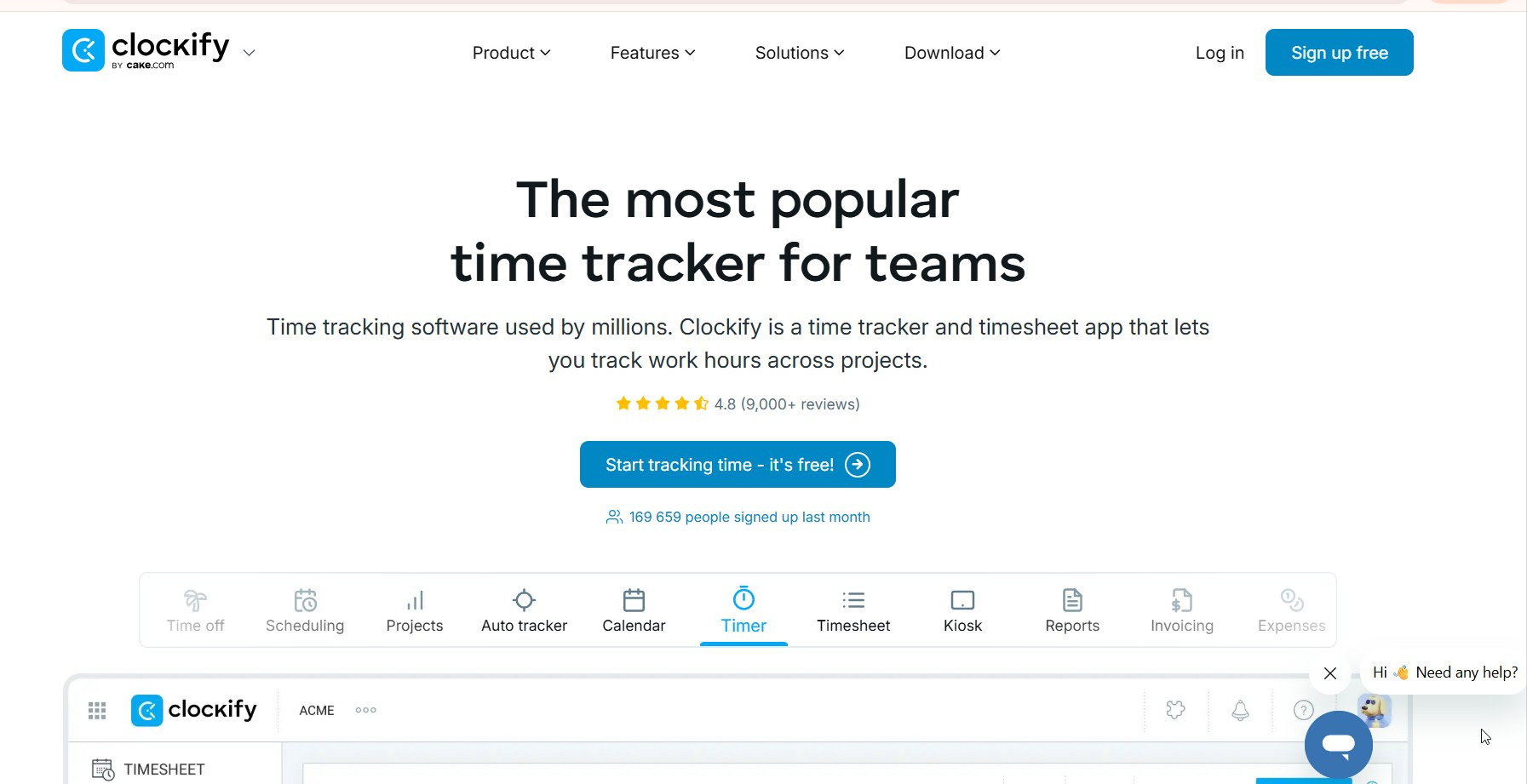
Clockify is a good option for teams that need simple time tracking, timesheets, project hours, and billable time.
It is especially useful when the main question is:
How much time did we spend on this project, client, or task?
That makes it a natural fit for agencies, consultants, freelancers, and service teams that need clean reporting by project.
Clockify is less ideal if your real problem is attendance discipline, late arrivals, shift coverage, or employee activity visibility. It can track time, but it is not the strongest choice if you need to understand what happens during the workday in detail.
Best for: project time tracking.
Less ideal for: strong attendance control or desktop productivity monitoring.
2. Homebase
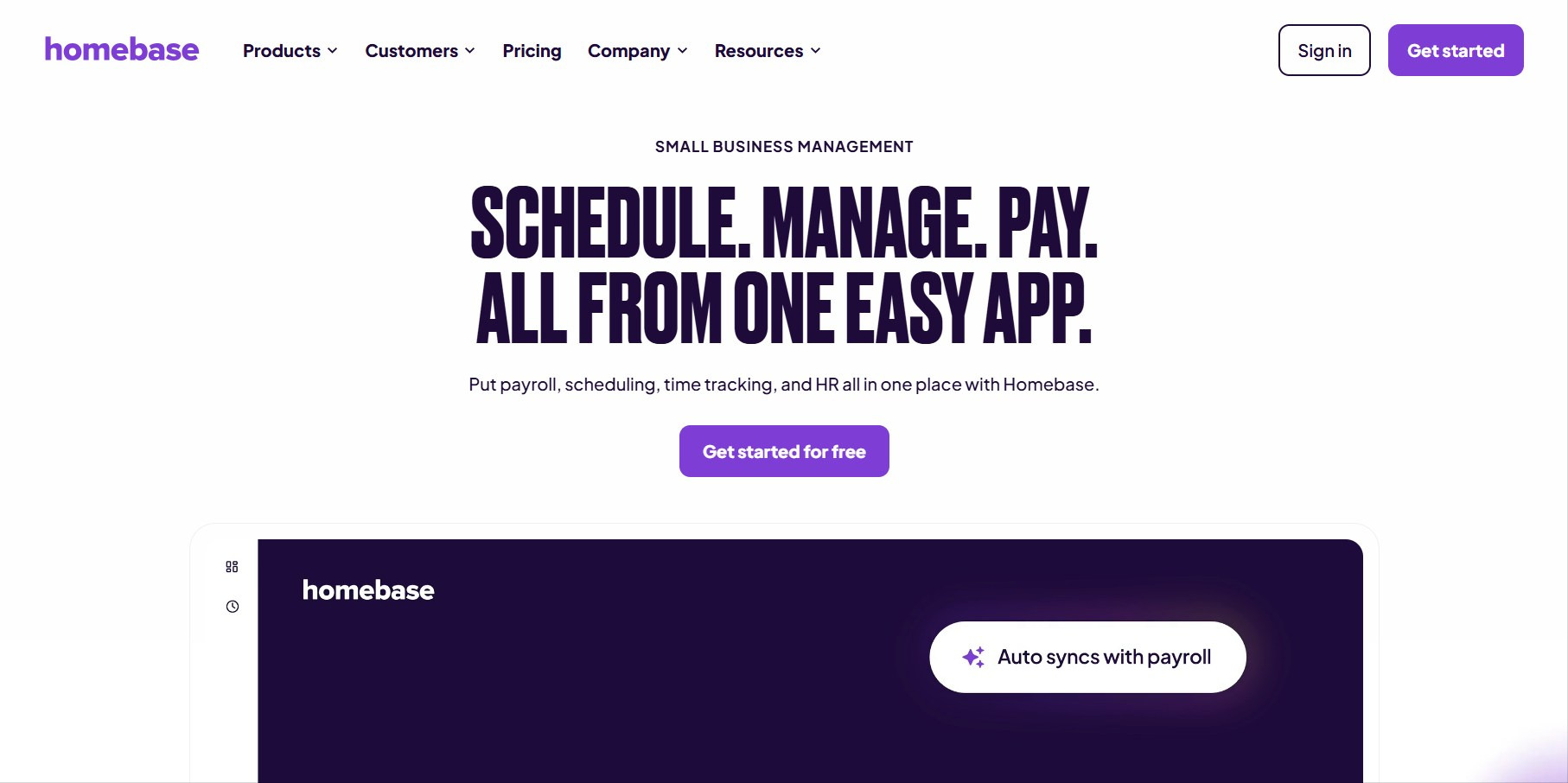
Homebase is built for small businesses with hourly teams. Think restaurants, stores, salons, cafes, local service companies, and other shift-based workplaces.
It is useful when you need:
- employees to clock in and out;
- shifts and schedules;
- break tracking;
- payroll preparation;
- basic HR workflows;
- fewer manual timesheets.
Homebase makes sense if your work happens around shifts, locations, hourly pay, and manager approvals. It is probably not the first choice for a remote software team or an office team where managers need app usage, screenshots, idle time, or productivity trends.
Best for: small hourly teams.
Less ideal for: deep computer activity analytics.
3. Deputy
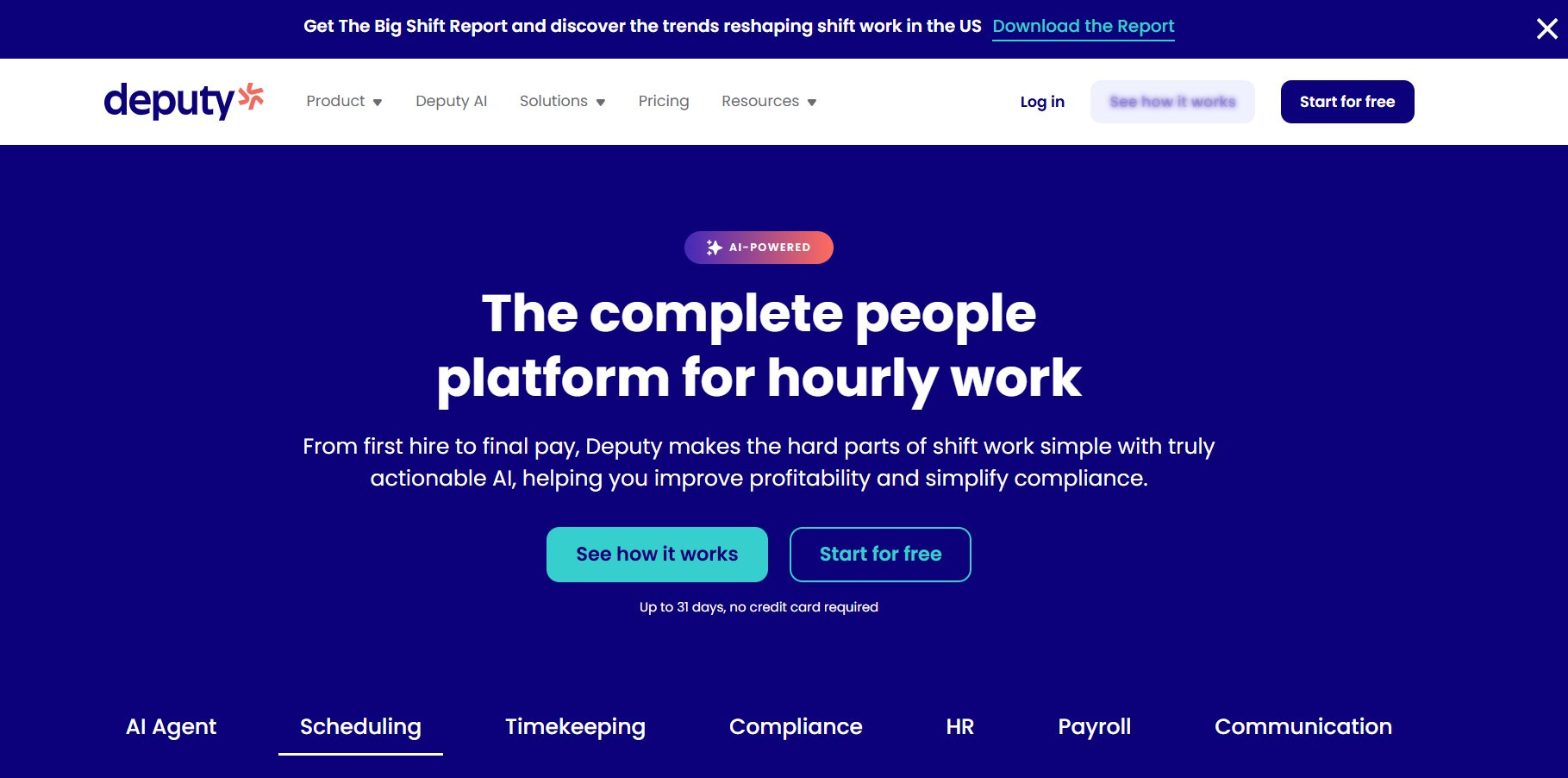
Deputy is another strong option for shift-based operations. It is built around scheduling, attendance, timesheets, breaks, and workforce planning.
It is a good fit for:
- retail;
- hospitality;
- restaurants;
- healthcare;
- warehouses;
- multi-location businesses;
- shift-heavy teams.
Deputy helps answer practical operational questions:
- Who is scheduled today?
- Who clocked in?
- Were breaks taken properly?
- Are timesheets ready for payroll?
- Is the shift covered?
It can be more than you need if you only want basic project time tracking. But for teams where scheduling and coverage are the core problem, Deputy is a serious option.
Best for: shift scheduling and attendance.
Less ideal for: simple freelancer or project-only tracking.
4. When I Work
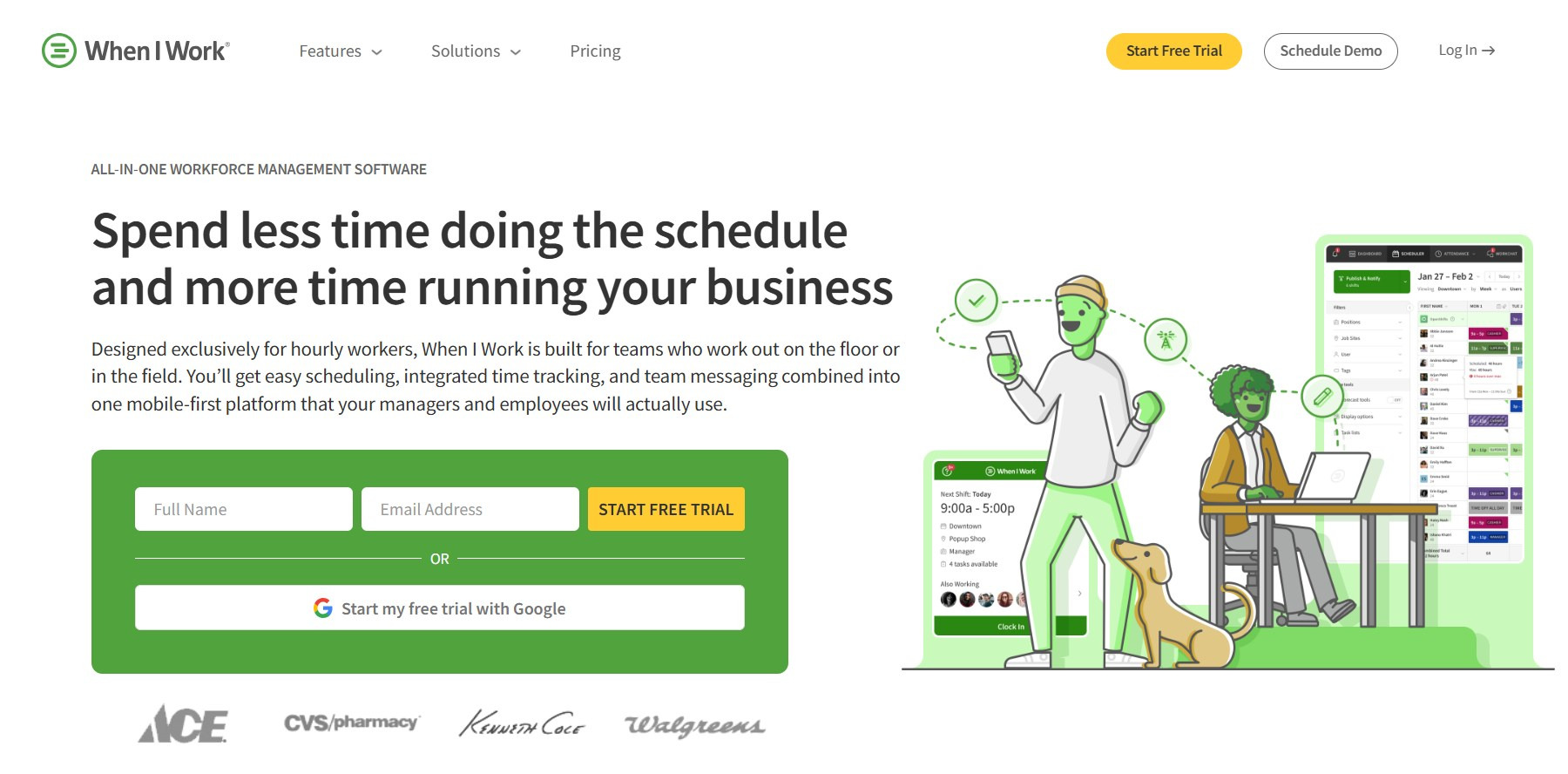
When I Work is also focused on scheduling and attendance. It works well for businesses where shifts change often and managers need a simple way to keep teams aligned.
It is a good fit for:
- restaurants;
- retail teams;
- hospitality;
- call centers;
- hourly workers;
- distributed shift teams.
The strong side is operational simplicity. Managers can build schedules, employees can see shifts, time-off requests are easier to handle, and the team does not need endless messages about who works when.
It is not designed as a deep employee monitoring platform. If your team works on computers all day and you need productivity analytics, app usage, screenshots, or idle time context, you may need a broader tool.
Best for: scheduling and attendance for hourly teams.
Less ideal for: productivity analytics and computer-based monitoring.
5. QuickBooks Time
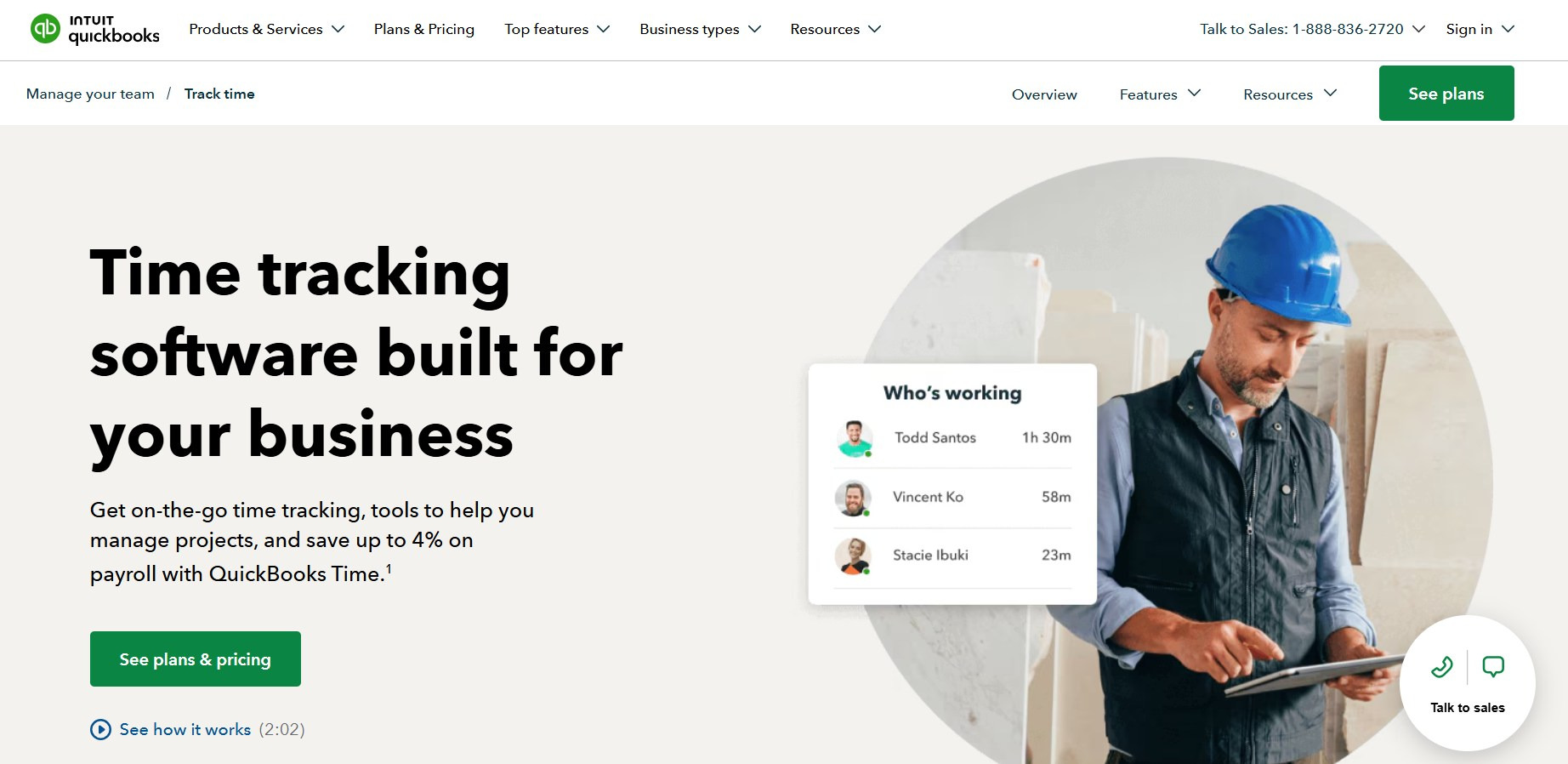
QuickBooks Time is a logical choice for teams already using QuickBooks. Its biggest advantage is not that it is the most universal time clock app, but that it can fit naturally into accounting, payroll, and job-costing workflows.
It may work well for:
- construction;
- field services;
- landscaping;
- home healthcare;
- businesses using QuickBooks Payroll;
- teams that need mobile time tracking;
- companies tracking hours by job or location.
The main buying question is simple:
Are you already in the QuickBooks ecosystem?
If yes, QuickBooks Time may be convenient. If not, compare it carefully against tools that are more focused on your actual team type.
Best for: payroll-connected time tracking.
Less ideal for: teams that do not use QuickBooks or need deeper desktop monitoring.
6. Jibble
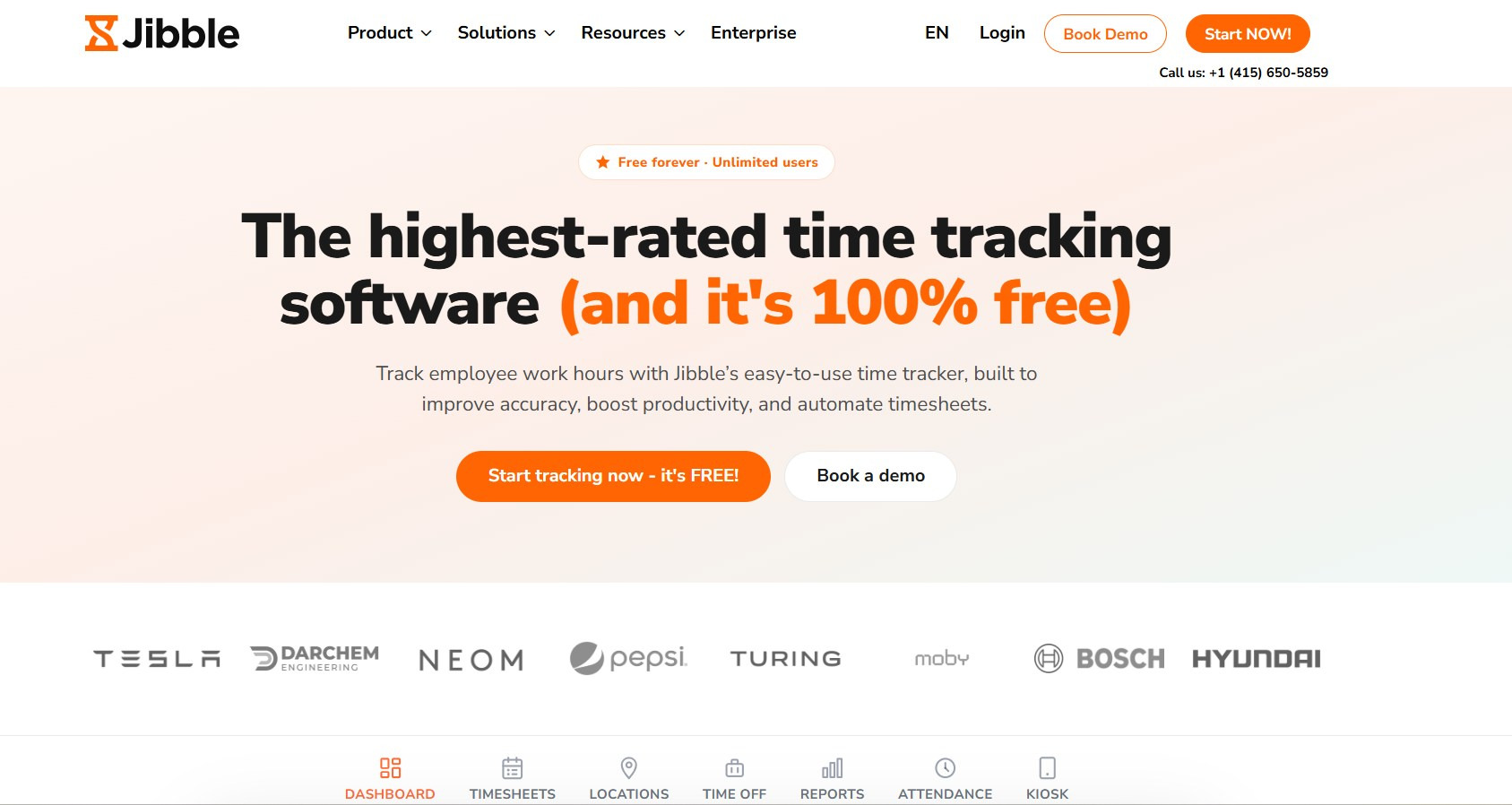
Jibble is a good starting point for teams that want a free or lightweight time clock app. It can work well for small teams moving away from spreadsheets.
It is useful for:
- basic attendance tracking;
- simple timesheets;
- kiosk-based clock-ins;
- small teams;
- teams testing digital time tracking for the first time.
The appeal is obvious: it is easy to start and does not feel like a heavy workforce management platform.
The tradeoff is depth. If you need advanced productivity analytics, detailed app and website usage, screenshots, or department-level monitoring, Jibble may be too light.
Best for: free or simple attendance tracking.
Less ideal for: advanced productivity analytics.
7. Hubstaff
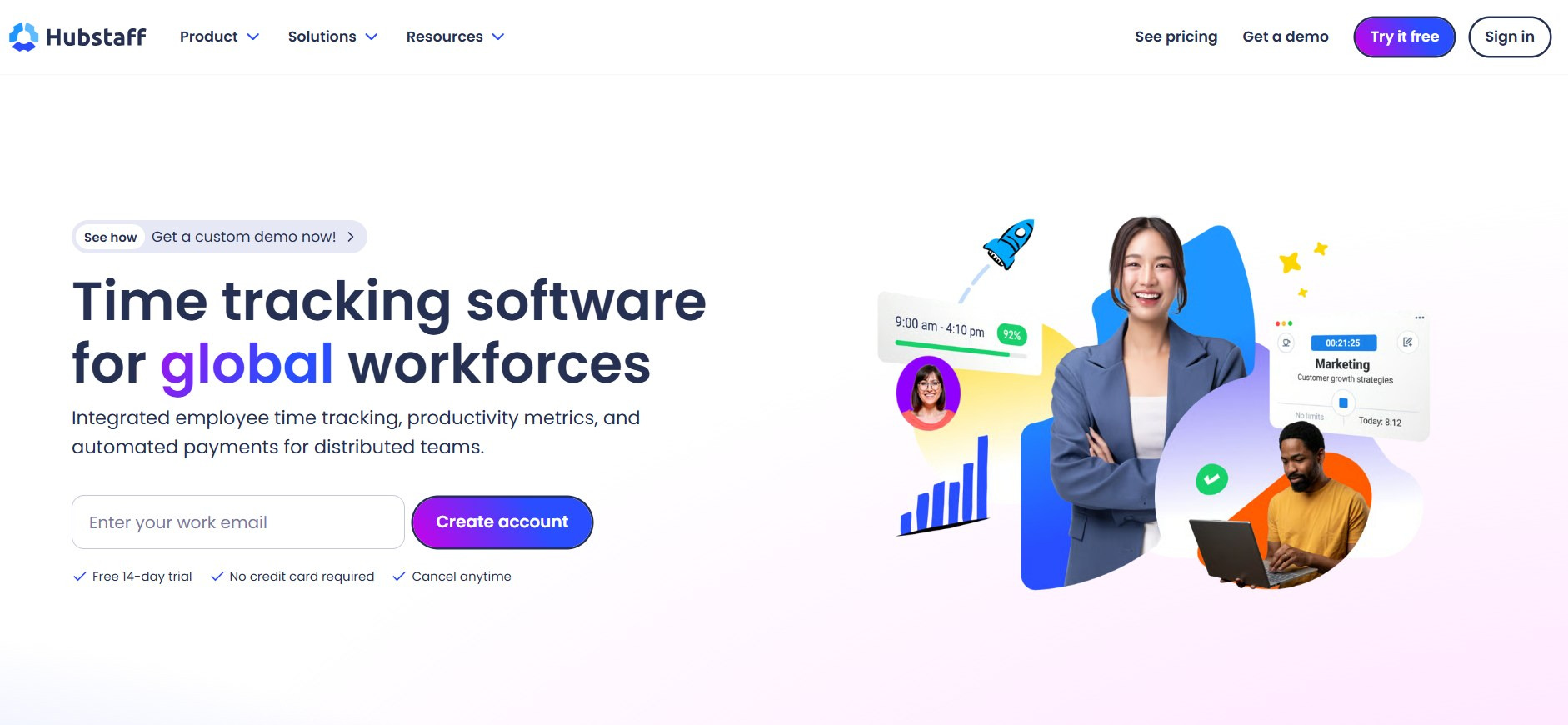
Hubstaff sits somewhere between time tracking, workforce analytics, and employee monitoring. It is more powerful than a basic time clock app and is often used by remote, field, and project-based teams.
It can be useful for:
- remote teams;
- field teams;
- agencies;
- contractors;
- teams needing project reports;
- businesses that want GPS or activity visibility.
Hubstaff is a better fit when the company needs more than clock-in / clock-out data. It can help managers understand time, projects, activity, and location patterns.
The risk is cultural. If managers introduce a tool like this as “we are watching you now,” adoption can become painful. Like any tracking tool, it needs a transparent rollout.
Best for: remote and field visibility.
Less ideal for: companies that only need a simple time card app.
8. Time Doctor
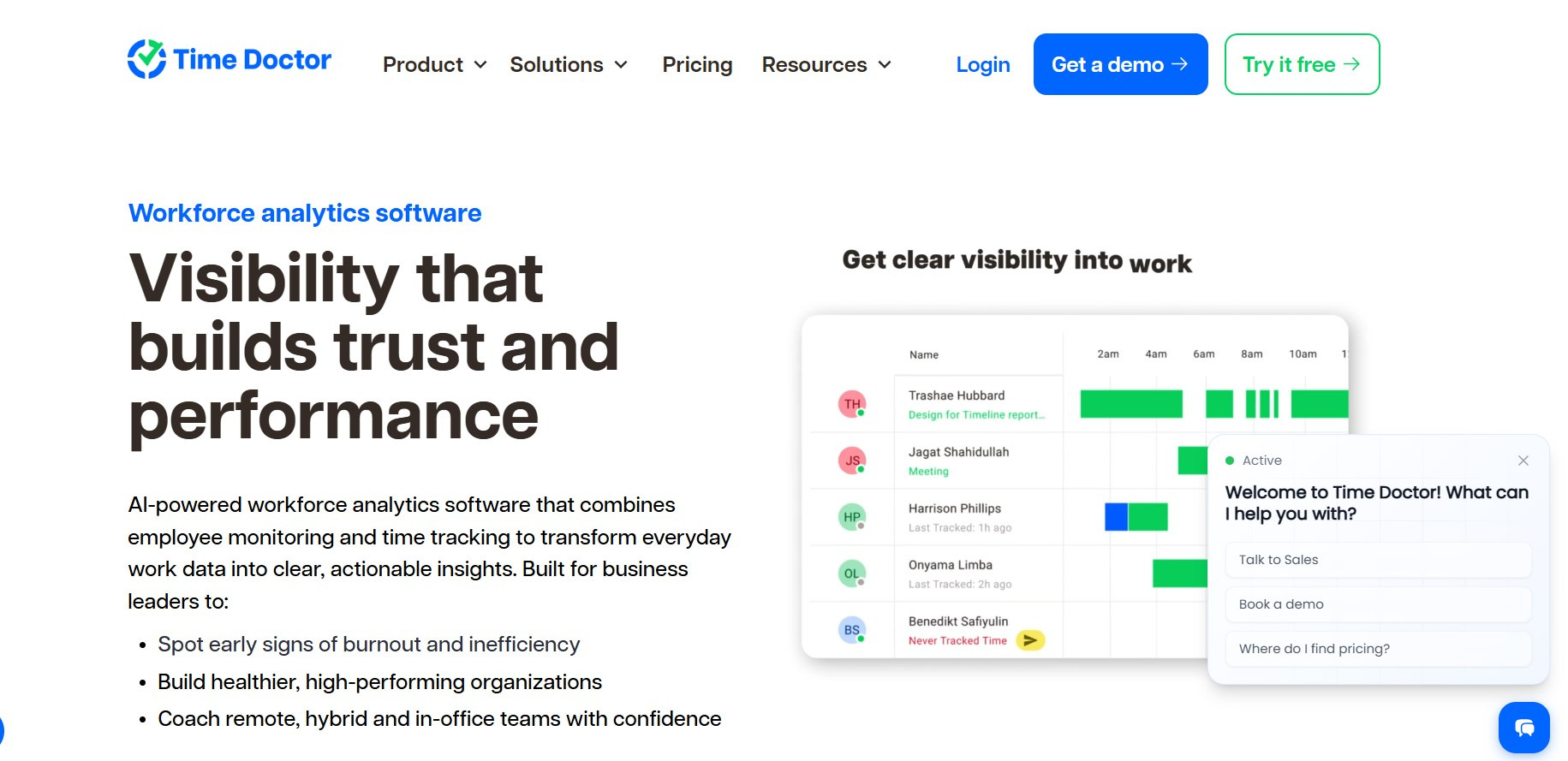
Time Doctor is closer to workforce analytics than a basic time clock app. It is built for distributed and computer-based teams that need more context around work hours.
It can include:
- time tracking;
- attendance;
- app and website usage;
- idle time;
- screenshots;
- productivity reports;
- activity analytics.
This makes it relevant for remote teams, agencies, back-office departments, and companies that want to understand how work actually happens during the day.
It is not the right level of tool if all you need is “employees clock in and out for payroll.” Time Doctor is more powerful, but also more sensitive culturally. Managers need to use it for coaching and workload clarity, not minute-by-minute pressure.
Best for: distributed workforce analytics.
Less ideal for: attendance-only needs.
Bonus: where KeepActive 2.0 fits
KeepActive 2.0 is not just another basic time clock app. It is better described as a time tracking and employee monitoring platform for teams that need structured visibility into work hours, activity, schedules, and productivity.
In KeepActive 2.0, teams can work with schedules, breaks, lateness, early departures, absences, time zones, working-day rules, screenshots, data retention, and role-based access.
That matters because real teams are messy.
One department may need strict start times. Another may allow flexible schedules. One manager may need visibility only into their own team. Another may need department-level reports. Some companies need screenshots. Others need only soft time tracking and activity summaries.
KeepActive 2.0 helps teams see:
- when employees started work;
- whether they were late;
- whether they left early;
- how active the workday was;
- which apps and websites were used;
- whether productivity is rising or falling;
- where idle time appears;
- whether problems are individual or team-wide.
A basic clock-in app tells you:
The employee started at 9:00.
KeepActive 2.0 helps answer the more useful question:
What actually happened after 9:00?
That is especially important for computer-based, remote, hybrid, and back-office teams.
For companies that only need a free punch clock, KeepActive 2.0 may be more than necessary. But for teams that want time tracking, productivity context, screenshots, flexible attendance settings, and employee activity reports in one place, it is a stronger option than a simple clock-in app.
How to choose the right time clock app
Do not start with the vendor list. Start with the problem.
Choose a basic time clock app if:
- you only need clock-in and clock-out;
- your team is small;
- payroll is the main use case;
- employees work similar shifts;
- you do not need activity monitoring;
- spreadsheets are the main thing you want to replace.
Good options to compare: Clockify, Jibble, Homebase.
Choose a scheduling-first app if:
- shifts change often;
- managers need coverage planning;
- breaks and time-off requests matter;
- you run retail, hospitality, restaurant, healthcare, or local service teams.
Good options to compare: Homebase, Deputy, When I Work.
Choose a mobile or field time clock app if:
- employees move between job sites;
- GPS is useful;
- managers need location-aware clock-ins;
- routes, visits, or field work matter.
Good options to compare: QuickBooks Time, Hubstaff, Deputy.
Choose a productivity-focused tool if:
- your team works on computers;
- remote or hybrid visibility is weak;
- managers need activity context;
- idle time, app usage, websites, and screenshots matter;
- you want fewer manual check-ins;
- you need to understand workload, not just attendance.
Good options to compare: KeepActive 2.0, Time Doctor, Hubstaff.
Common mistake: buying a time clock app when you need workforce visibility
A lot of companies start with this request:
We need a time clock app.
But after a short conversation, the real problem often sounds different:
- “We do not know what remote employees are doing.”
- “Managers spend too much time asking for updates.”
- “People are online, but projects still slip.”
- “We cannot tell if the team is overloaded or distracted.”
- “Late starts and early exits are becoming a pattern.”
- “Timesheets are clean, but productivity is still unclear.”
In that case, a basic online time clock will not solve the problem.
You need a system that combines attendance, activity, productivity, schedules, and reporting. That is where employee monitoring software or a fuller time tracking platform makes more sense.
Buying checklist
Before choosing a time clock app, ask:
- Do we need only attendance, or also productivity context?
- Is our team office-based, remote, hybrid, field-based, or shift-based?
- Do we need schedules and break rules?
- Do we need late arrival and early departure tracking?
- Do employees need mobile clock-in?
- Do managers need screenshots or app usage reports?
- Can employees see their own data?
- Can we set different rules for different departments?
- Does the tool support payroll export?
- Will this reduce admin work, or create more of it?
- Can managers use the data responsibly?
- Will employees understand why we are introducing it?
The last two questions are the most important.
A time clock app can make work clearer. Or it can make the company feel colder. The difference is not only the software — it is how managers use it.
How to roll out a time clock app without micromanagement
A good rollout sounds like this:
We are introducing a time clock app to make work hours, attendance, and timesheets clearer for everyone. It will reduce manual reporting, help managers plan workload, and make attendance rules more consistent. We will explain what is tracked, who can see the data, and how it will be used.
A bad rollout sounds like this:
Starting Monday, everything you do will be tracked.
People feel the difference immediately.
To make adoption smoother:
- explain the reason;
- show the interface;
- define what is tracked;
- define what is not tracked;
- let employees see their own data;
- train managers;
- start with a pilot group;
- avoid using the first week of data for punishment;
- review settings after rollout.
The goal is not to make people nervous. The goal is to make work time visible enough that nobody has to guess.
For remote and hybrid teams, this is also where online monitoring can help: managers get visibility into work activity without needing constant manual check-ins.
Final thoughts
A time clock app is not one product category anymore. It is a whole spectrum.
At one end, you have simple punch-in tools for small teams. In the middle, there are scheduling and payroll apps for hourly workforces. At the other end, you have time tracking and employee monitoring platforms for remote, hybrid, and computer-based teams.
The best choice depends on what you actually need to understand.
If the question is “who clocked in?” — choose a simple time clock app.
If the question is “who is scheduled, who took breaks, and are timesheets ready for payroll?” — choose a scheduling-first platform.
If the question is “what is really happening during the workday?” — look at tools like KeepActive 2.0, Time Doctor, or Hubstaff.
The goal is not to track people for the sake of tracking. The goal is to make work time clearer, fairer, and easier to manage.
A good time clock app should reduce chaos, not add pressure. It should help managers make better decisions, not turn them into dashboard police. And it should give employees enough transparency to understand that the company is not trying to micromanage every minute — it is trying to run work properly.
